Logo
The Cursiv logo, its colour versions, and how to use them
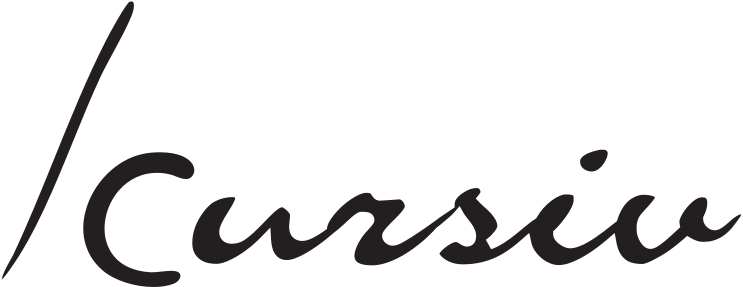
The Cursiv logo is available in three colour versions. Each file is a vector SVG.
Black
The black logo uses Ink, #231F20: the same black as Cursiv’s type,
not pure black.
White

Gold
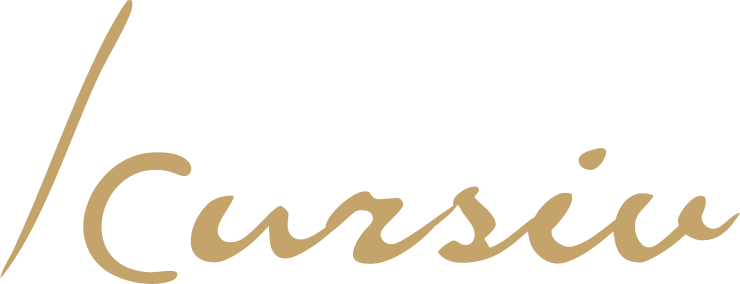
Logo colour: Gold, #C4A46B
Icon
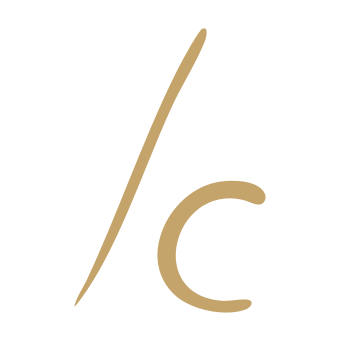
The Cursiv icon is the “/c” from the logo: the slash and the C on their own. Use it where the full logo would be too small, such as the favicon, app icons, and social media avatars.
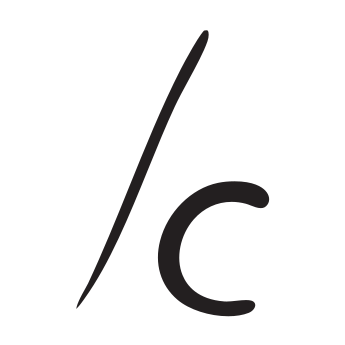
Download the icon (SVG): black, white, or gold.

Clear space
Keep a clear space around the logo and the icon equal to the height of the C in the logo. Keep text, images, other logos, and the edge of the page or screen out of it. More space is always welcome.
Minimum size
The logo’s fine, hand-drawn strokes need room to stay legible.
| Screen | ||
|---|---|---|
| Logo | 80 px wide | 25 mm wide |
| Icon | 16 px wide | 5 mm wide |
Below the logo’s minimum size, use the icon instead.
Backgrounds
- Use the black logo on Paper and other light backgrounds.
- Use the white logo on Ink, on other dark backgrounds, and on dark photography. Darken the image where the logo sits, as for type on images.
- Use the gold logo sparingly, for special editions and print finishes such as foil. On Ink it reaches a contrast of 6.8:1; on Paper only 2.0:1, so use it there only at large sizes.
- Place the logo on a calm, even area. Avoid busy patterns and the subject of a photo.
Misuse
Use the logo files as they are. Do not:
- stretch, squash, rotate, or skew the logo;
- recolour it, or use colours other than black, white, and gold;
- add shadows, outlines, gradients, glows, or textures;
- redraw it, retype it in a font, or change the space between its parts;
- separate the slash from the lettering, except as the Cursiv icon;
- place it on a background that makes it hard to read;
- put it in a box or shape, except on an app icon tile.
App icons
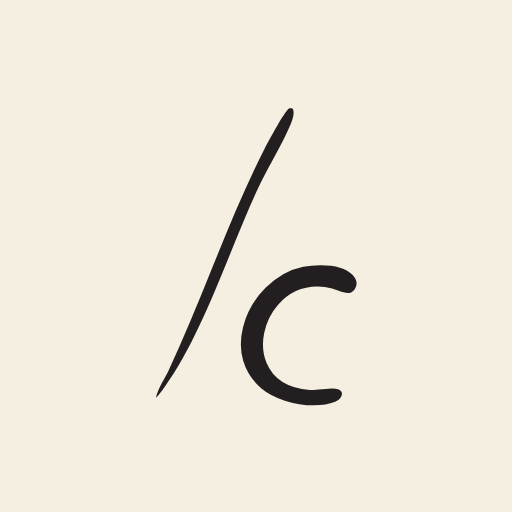
App icons place the Cursiv icon on a square tile: Ink on Paper, or white on Ink for dark settings. The icon sits in the centre with enough space around it for the rounded corners and circles that phones apply.
| Version | Files |
|---|---|
| Light | SVG, 1024 px, 512 px, 192 px, 180 px |
| Light, maskable (Android) | 512 px |
| Dark | SVG, 1024 px |